 Meshify
Catalogue photos of a model wearing your garment — no photoshoot
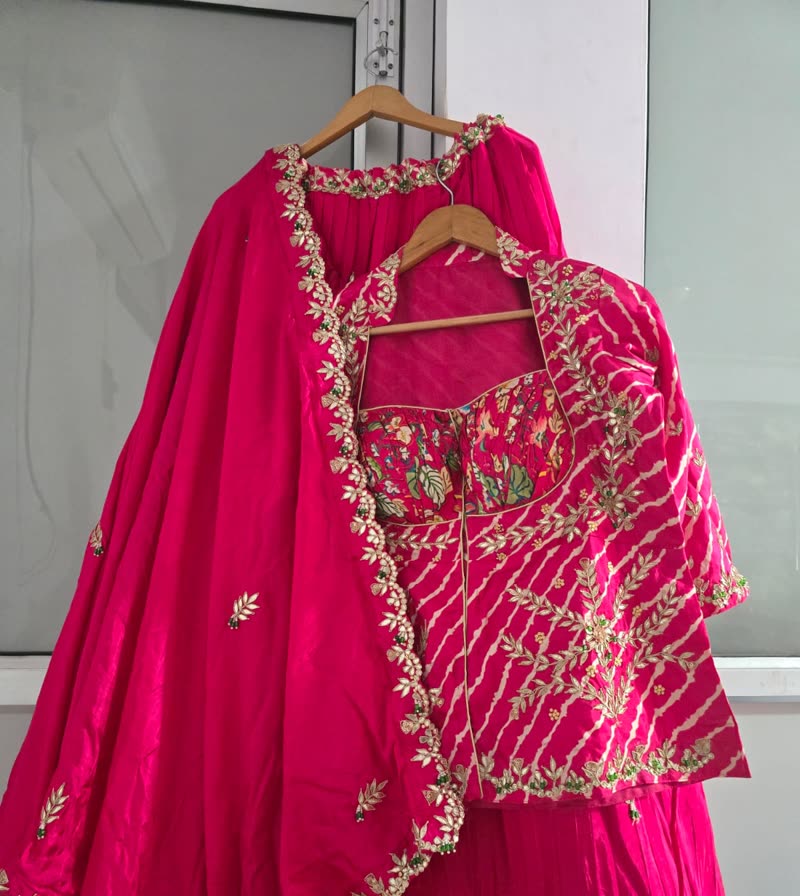
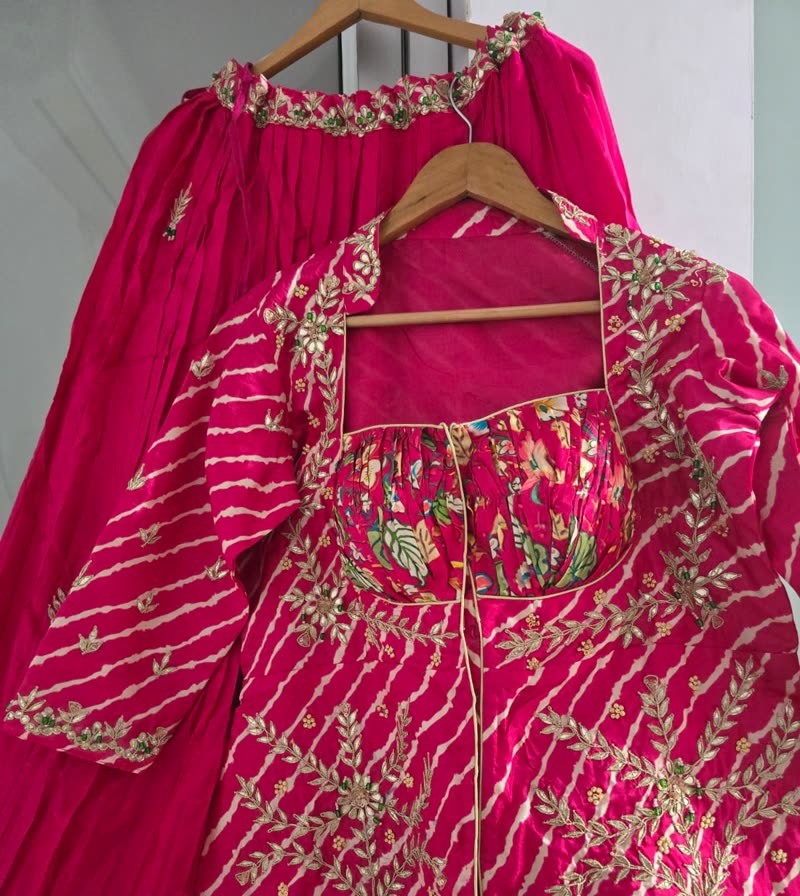
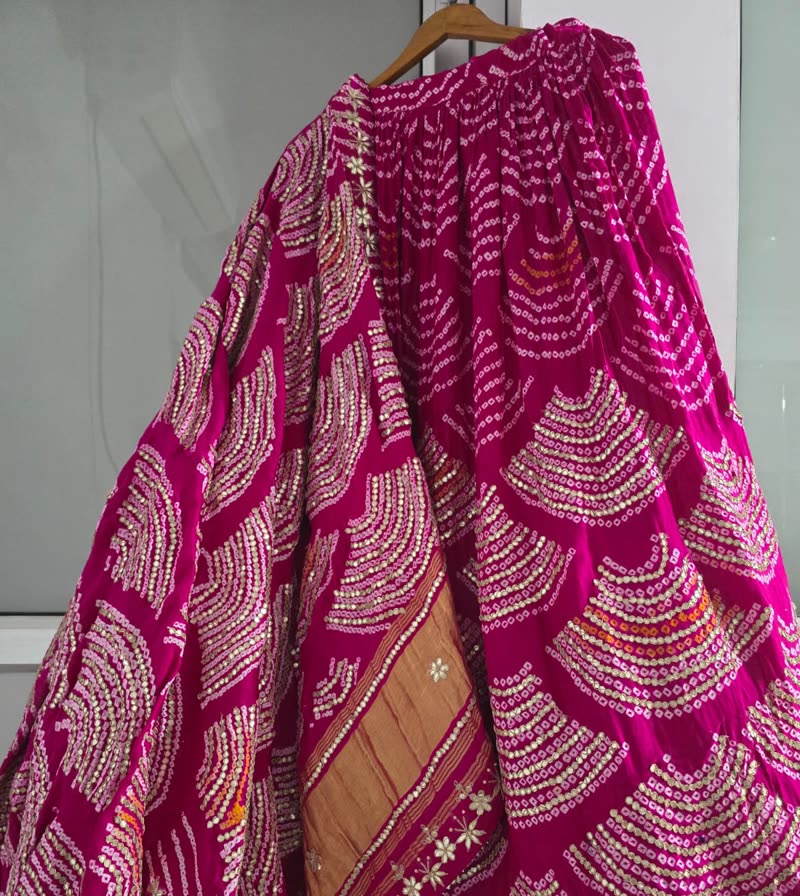
Lay the saree, lehenga or suit flat, take a few photos with your phone, and AI Studio dresses a model (or a mannequin) in it. Then turn the best one into a short video for Reels and WhatsApp Status.
Four steps, all from your phone
A real phone photo1. Photograph the garment
A guided shot list for each garment — full spread, pallu, border, fabric, blouse.
2. Check the photos
An optional quick check spots blurry or folded shots before you spend on generation.
3. Choose the look
Model or mannequin, pose, drape, blouse, jewellery and background — the price is shown first.
4. Share or sell
Save to your phone, share on WhatsApp or Instagram, or add it to a product on your store.
The same face across your whole catalogue
Create a model once and reuse them on every garment for free — or keep a result you liked as a model.
- Library models, AI-made models, or your own model with their permission
- On a mannequin, for the boutique look with no person at all
- Poses: front, three-quarter, walking, seated and back view
- Saree drapes: Nivi, Gujarati, Bengali, Maharashtrian
- Backgrounds: studio white or grey, haveli, temple, garden — or describe your own
- Jewellery from none to bridal, and the photo shape you need
Many garments
Sarees, lehengas, suits, kurtis and dupattas.
Variations
Up to 4 versions of each look at once.
Short videos
4 to 8 seconds, made from a photo you like.
Straight to your store
Approve a photo and attach it to a product.
Pay only for what you make
AI Studio runs on a prepaid AI wallet you top up by UPI, card or net banking. The price is shown before every generation.
Choose the quality
Quick previews to choose from, then Standard, HD or Premium for the ones you keep.
Economy mode
Not in a hurry? Economy costs about half and is ready within a few hours.
No charge for failures
If a generation fails, you are not charged — and repeating the exact same request reuses the result.
Try it on your next garment
AI Studio is in the Meshify app. Use it on its own, or with your online store to put the photos straight on your products.